
Customer uploaded images for lightboxes
Let customers upload images on the individual sides of the lightbox.
Last updated:
Follow the guide below to allow the customer to upload images to the back or front sides of the lightbox sign customiser.
-
Navigate to the admin of Sign Customiser for your store
-
Click on “Customisers” in the main menu on the home page
-
Click on the customiser you wish to edit
-
Click on “Lightboxes” in left hand the left-hand side menu
-
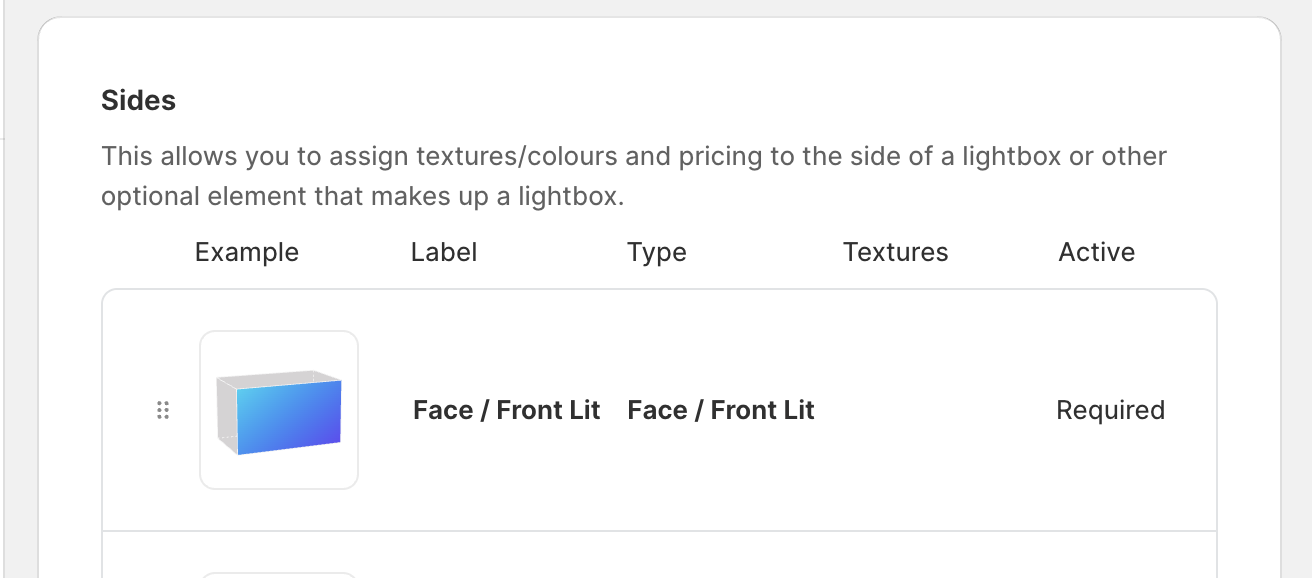
Click on the “face” or “back” sides of the shape to edit
-
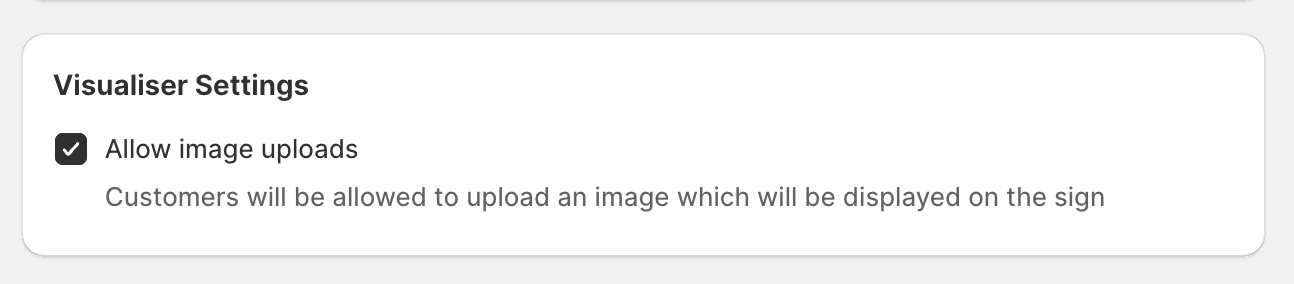
Scroll down untill you see “Allow image uploads” and make sure its ticked.
-
Click save at the bottom of the form.