Flow RGB colour option
Last updated:
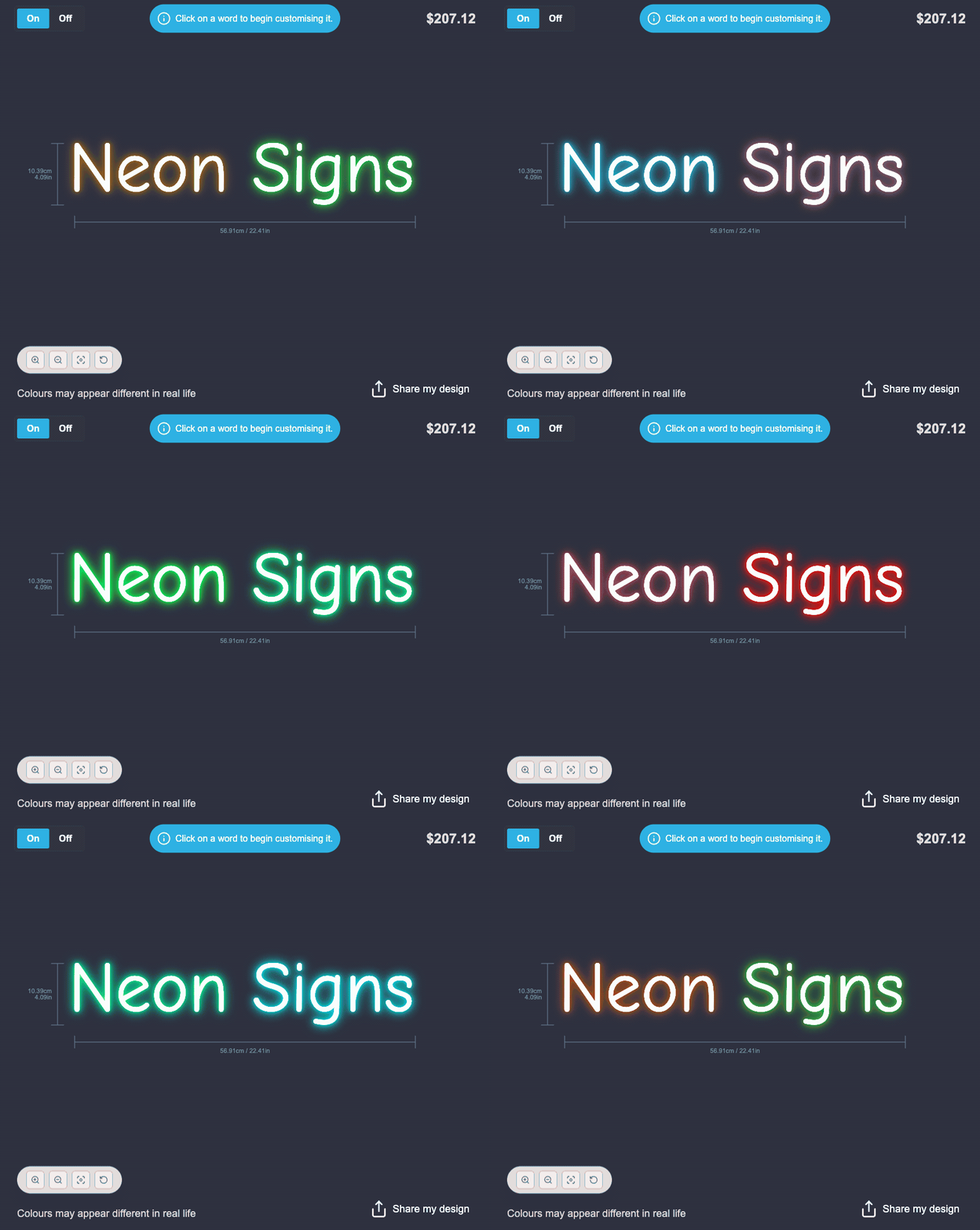
The Flow RGB colour option enables you to display multiple colours simultaneously. These colours will seamlessly transition and “flow” throughout the sign.
How to add a flow RGB colour option
-
Navigate the admin of Sign Customiser on your store.
-
Click on “Customisers” in the home menu
-
Click on the customiser you wish to edit
-
Click on “Colours” in the left-hand side navigation menu
-
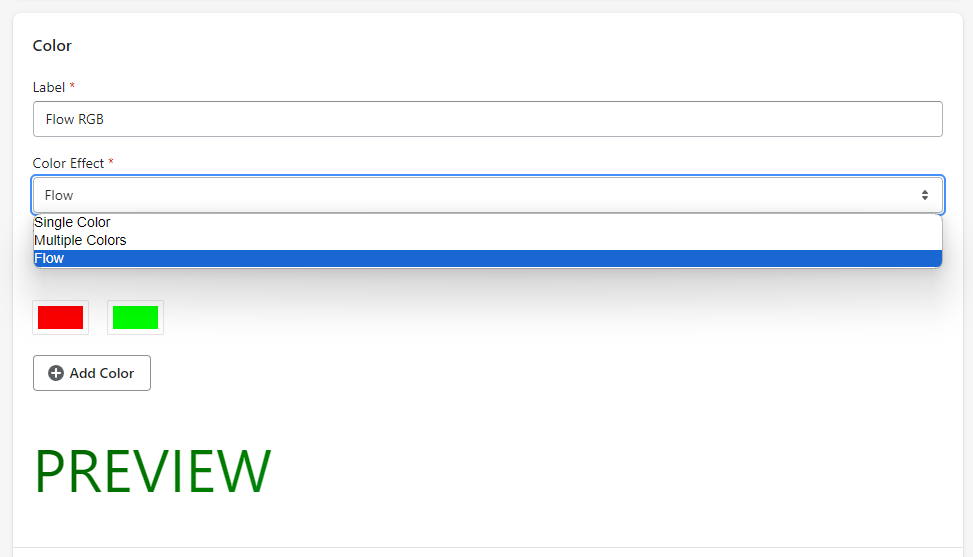
On the following page, under the ‘Colour Effect’ option, select ‘Flow’. You can then add the colours you want to include in the Flow RGB sequence by clicking on the ‘Add Colour’ button.
-
Click on save at the bottom of the form.