
Front-lit and back-lit channel letters
Last updated:
You can create channel letter signs that allow the customer to select front-lit and back-lit colour options.
How to enable the glow for front-lit channel letter signs
-
Navigate to the admin of Sign Customiser on your store.
-
Click on “Customisers” in the home menu
-
Click on the customiser you wish to edit
-
Click on “letter types”
-
Click on the letter type you wish to edit
-
Click on the “Face” option
-
Scroll down until you see the card titled “Face / Front Lit Settings”
-
Make sure “Acts as light source (Enable Front lit)“
How to create back-lit channel letter signs
-
Navigate to the admin of Sign Customiser on your store.
-
Click on “Customisers” in the home menu
-
Click on the customiser you wish to edit
-
Click on “letter types”
-
Click on the letter type you wish to edit
-
In the card title “Letter parts” make sure you have option “Back lit” switched to active
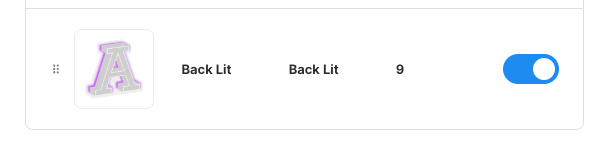
-
Click on the “Back lit” option to begin adding colours to it.