
Improved Backboard Colour Selection Experience
Last updated:
Users can now display backboard colour options directly within the backboard section, creating a more intuitive and user-friendly experience.
All new customisers created have this setting automatically enabled, this doc is for older customisers which do not currently have this setting applied and wish to do so.
How to Enable Inline Backboard Colour Selection
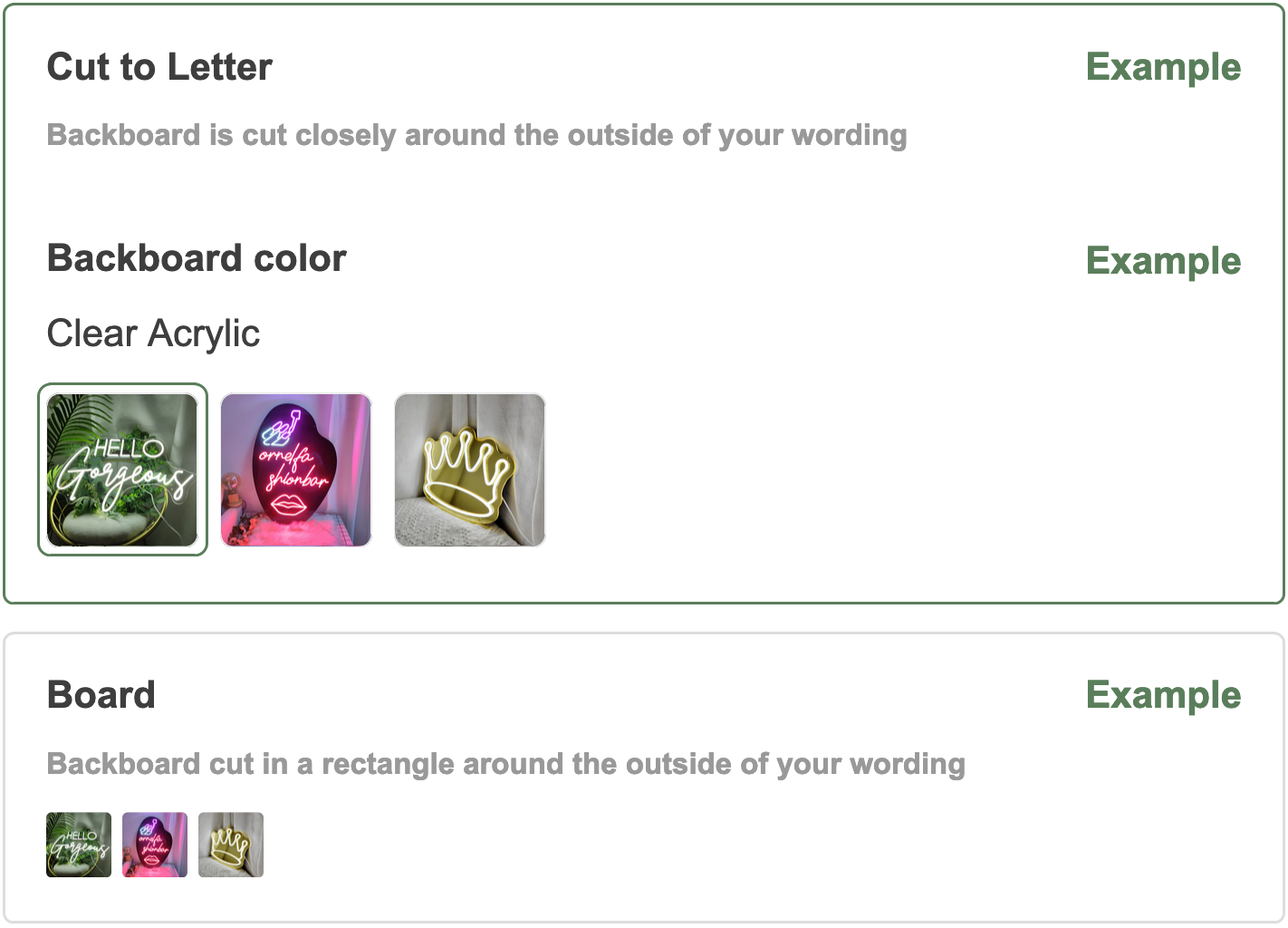
-
Open the Sign Customiser app settings.
-
Click Customisers in the app menu.
-
Select the customiser you want to edit.
-
From the left-hand menu, go to General Settings.
-
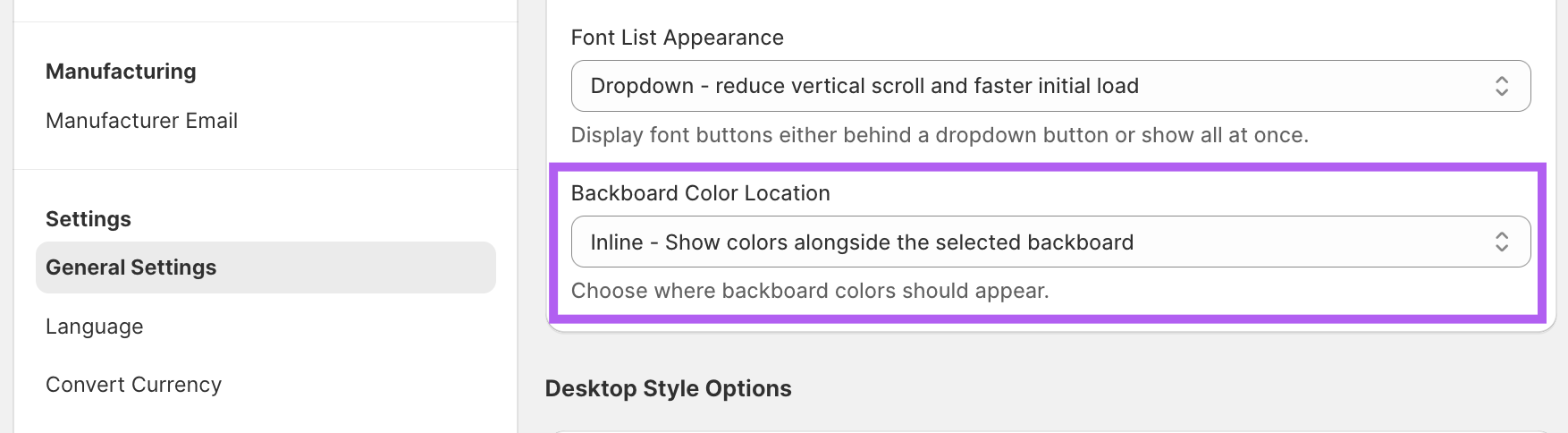
In the General Style Settings section, set the Backboard Colour Location option to “Inline - Show colours alongside the selected backboard” in the dropdown menu.
-
Save your changes.