
Minimum character amount - advanced model
Last updated:
You can set a block on the minimum amount of characters required to be entered before the customer can proceed to add to cart / generate a quote when creating a sign.
The ability to change the minimum amount of characters is available for all letter models; this article, however, only refers to how to change it for the Advanced letter model.
How to set the minimum amount of characters on the advanced model.
-
Navigate to the Sign Customiser app for your store.
-
Click on Customisers in the home menu
-
Click on the customiser you wish to edit
-
Click on sizes in the left-hand side menu
-
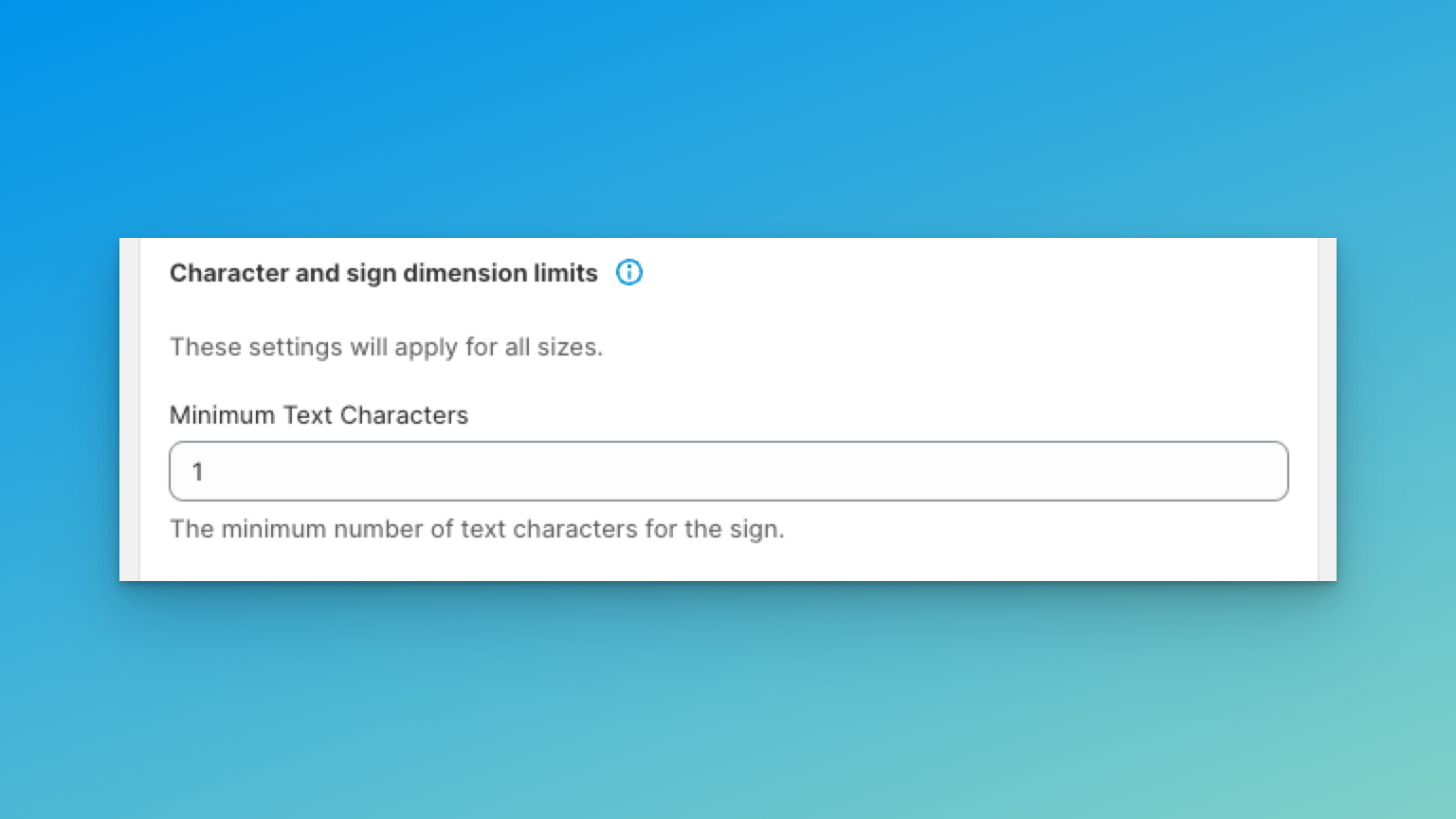
Scroll to the bottom until you see the “Minimum Text Character”
-
Change the value to your desired amount of minimum characters that are required before the sign can be added to the cart or quoted.
-
Click save at the bottom of the form.