
How to enable / disable SVG files for manufacturing
Last updated:
To enable / disable SVG files for manufacturing purposes please follow these instructions.
-
Navigate to Sign Customiser admin on your store.
-
Click on “Customisers” in the home menu
-
Click on the customiser you wish to edit
-
Click on “General Settings” in the left-hand side menu
-
Scroll down to find the SVG Image option, select Yes.
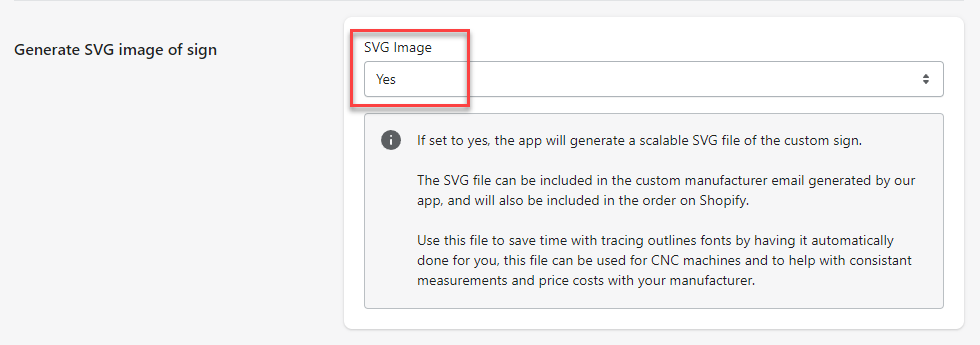
-
Hit save at the bottom of the form.