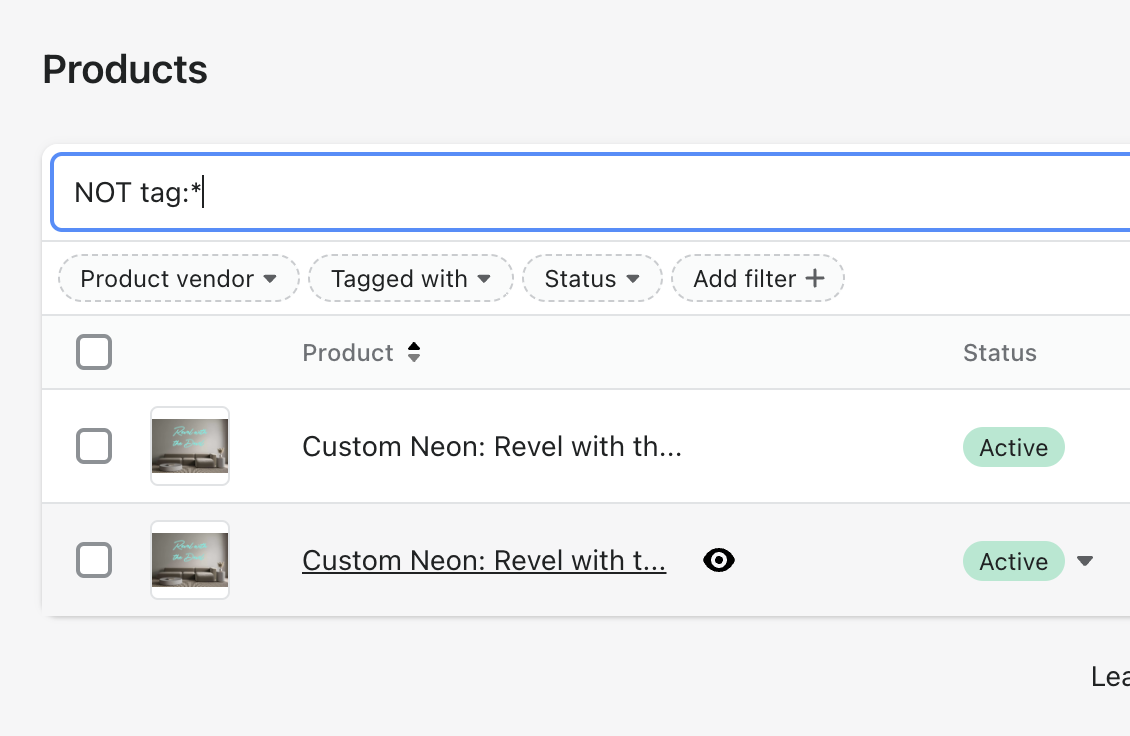
Retrieve list of custom neon products not purchased
Last updated:
This article aims to teach you how to retrieve a list of products that have been generated by our app but have not yet been purchased. To do this complete these-steps below.
-
Login into the admin of your Shopify store
-
Navigate to products in the side menu
-
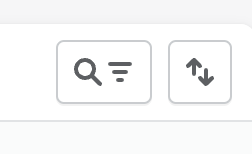
On the right-hand side click on the search icon to bring up the search bar that will allow filtering on the product list.
-
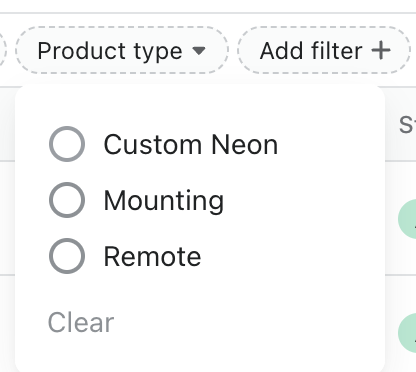
Click on the add filter + button and select Product Type, make sure you select “Custom Neon”.
-
In the search bar located just above the list of products in your store enter NOT tag:npc_ordered