Update manufacturer email address
Last updated:
You can add one more email address by appending each email with a ’,’ character e.g. ‘first@email.com,second@email.com’
To change the manufacturer email address do the following:
-
Navigate to the admin of Sign Customiser for your store
-
Click on “Customisers” in the home menu
-
Click on the customiser you wish to edit
-
Click on “Manufacturer email” in the left-hand side menu
-
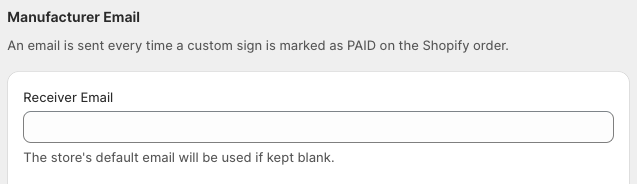
Add the email under Receiver Email and click Save on the bottom right to save the changes.