Mobile Style Options
Last updated:
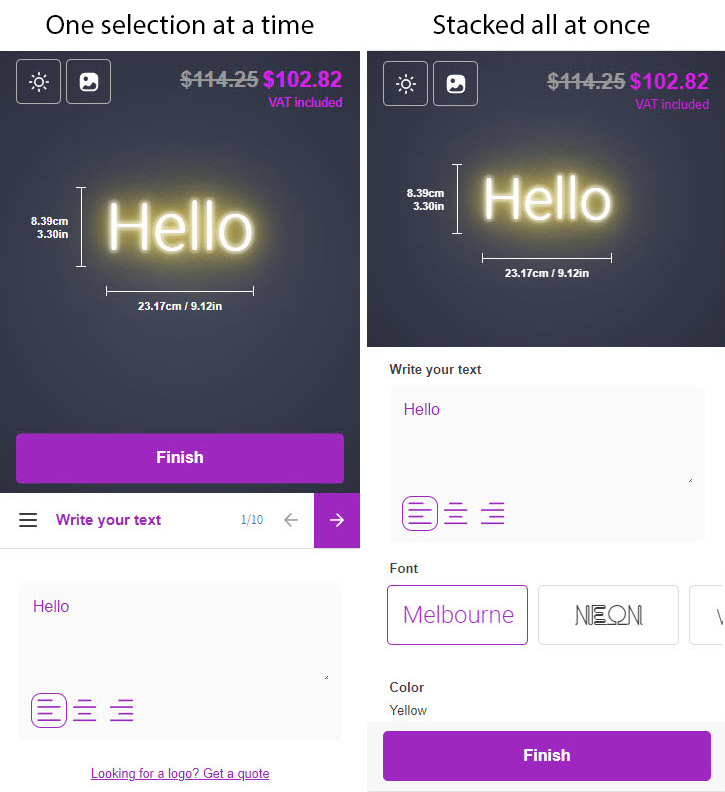
Sign Customiser’s mobile design uses the Stacked all at once layout. All customisation options are displayed on a single page, and customers scroll to find what they need.
To configure your mobile design, navigate to your customiser editor page, then go to Settings > General > Mobile Style Options.
Mobile Style Options
The following options are available under Settings > General > Mobile Style Options:
-
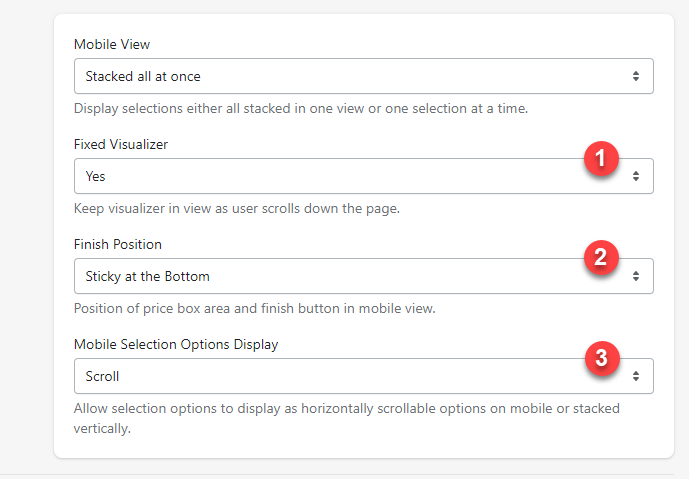
Fixed Visualiser: This Yes/No option lets you choose whether you want the sign preview to always stay at the top of the phone screen when scrolling down.
-
Finish Position: This option lets you decide whether the Finish button should stick to the bottom of the phone screen or stay at the end of the customiser section under all the customisation options.
-
Mobile Selection Options Display: This option offers two styles for displaying option lists: Scroll Horizontally and Stack Vertically.
With the Scroll Horizontally option, customers can scroll left and right to choose their options, reducing the customiser’s height.
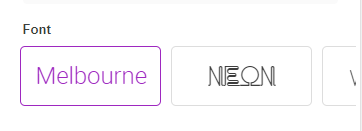
The Stack Vertically option keeps all options visible, allowing customers to select the option they want without scrolling horizontally.
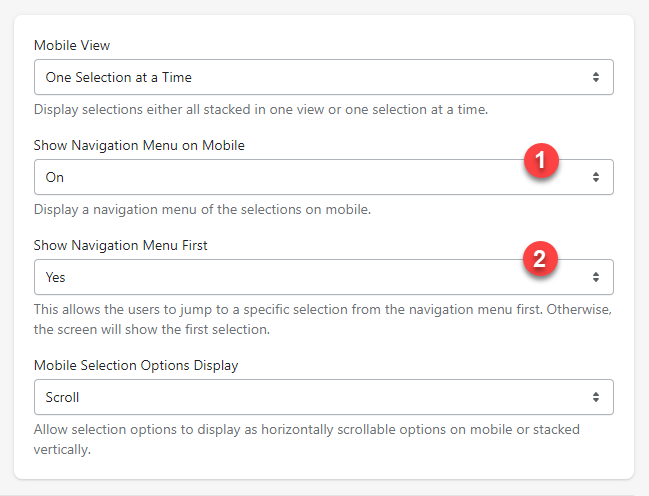
One Selection at a Time (Legacy — No Longer Available)
This is a legacy feature that has been removed. “One selection at a time” is not available on any newly created customisers and cannot be re-enabled. If you are looking for a similar step-by-step experience on mobile, use Scroll Horizontally under Mobile Selection Options Display instead.
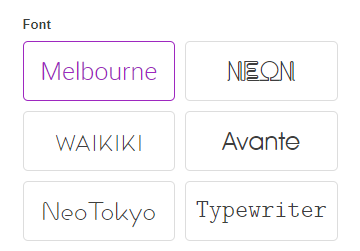
The One Selection at a Time option was a legacy mobile view that divided customisation into different steps, including Text, Font, Colour, Size, Backboard, Backboard Colour, Material, Jacket, and Additional Options. Customers would go through these steps one at a time to make their choices.
This feature was removed because maintaining it across different screen sizes became increasingly difficult, and it impacted performance and user experience. Existing customisers that previously had this setting enabled may still display it under (Legacy) Mobile View, but it will not receive further updates.