Price letters by position
Set a different price for each letter position in Simple Letter and Advanced Letter customisers.
Last updated:
Price by position lets you charge a different amount for the first, second and later letters in a sign. It is available for Simple Letter and Advanced Letter customisers. Choose Every letter costs the same when one amount should apply to every letter.
Choose the pricing mode
-
Open Customisers and select the customiser you want to edit.
-
Open Pricing from the customiser menu.
-
Open an existing price list or create one.
-
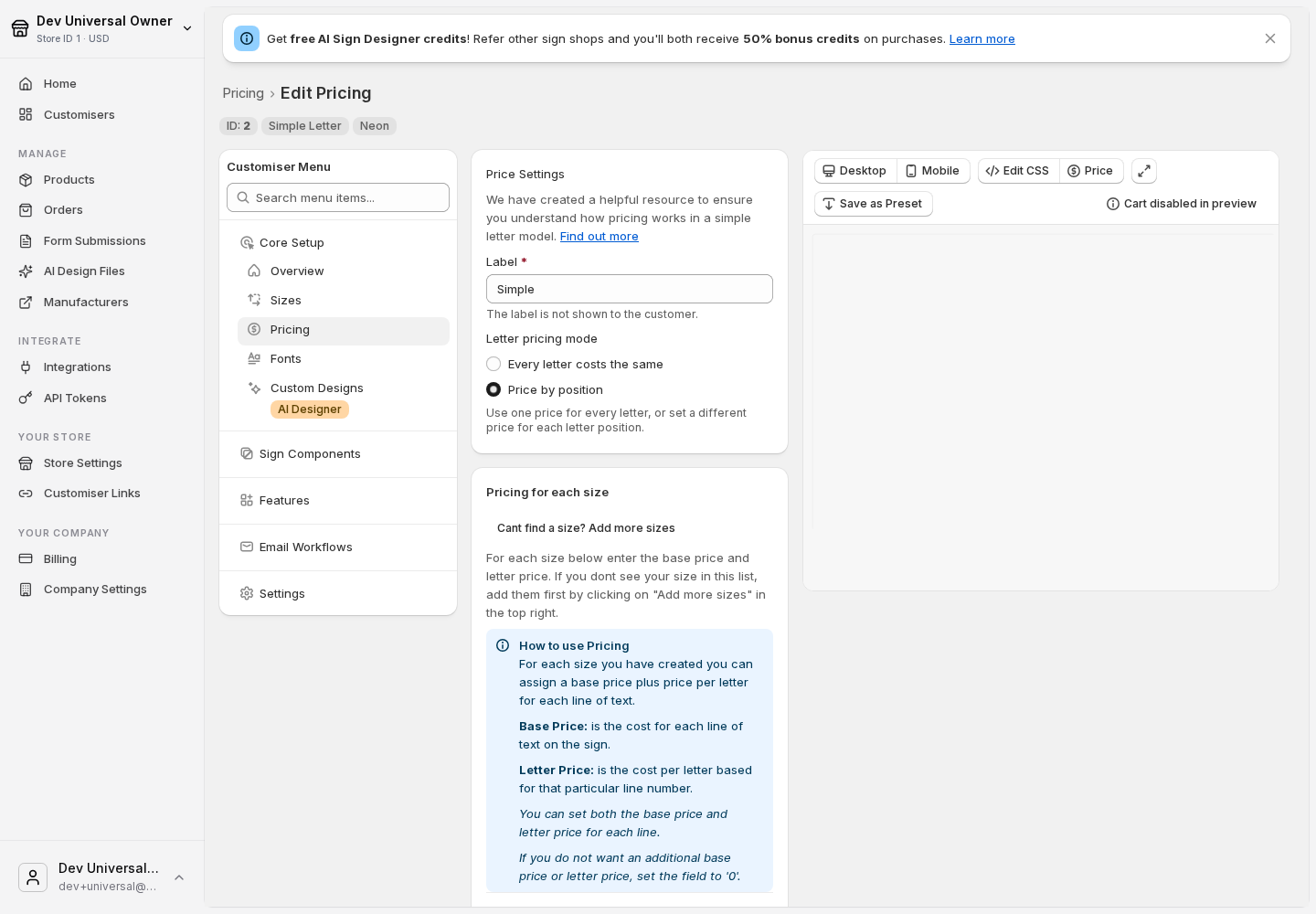
Under Letter pricing mode, choose Price by position.
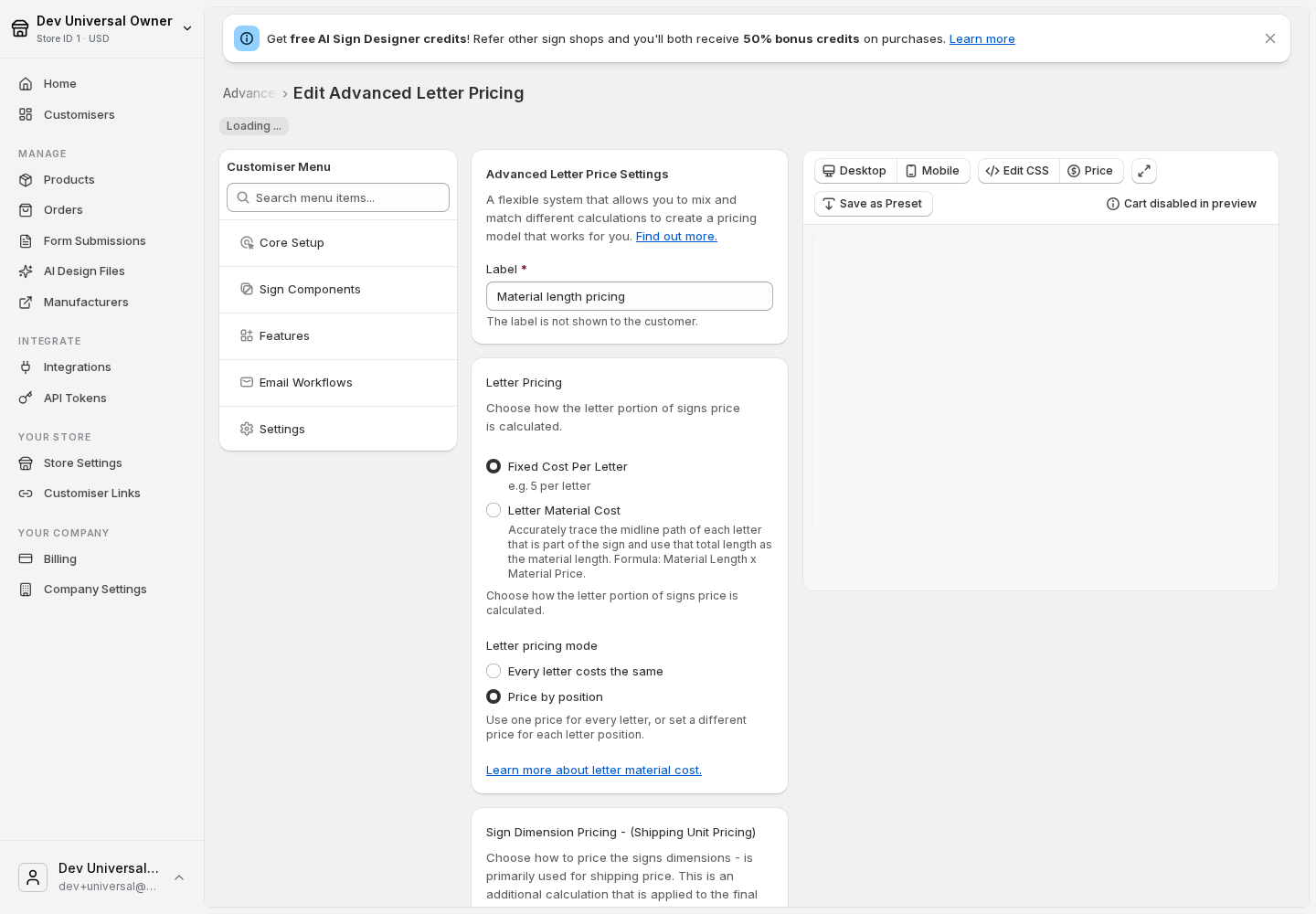
For an Advanced Letter customiser, first choose Fixed Cost Per Letter under Letter Pricing. The letter pricing mode appears underneath it.
Simple Letter controls
Advanced Letter controls
Set prices for a Simple Letter customiser
Each configured line has its own position list. The count restarts at Letter 1 on every line.
-
Find the size and line you want to price.
-
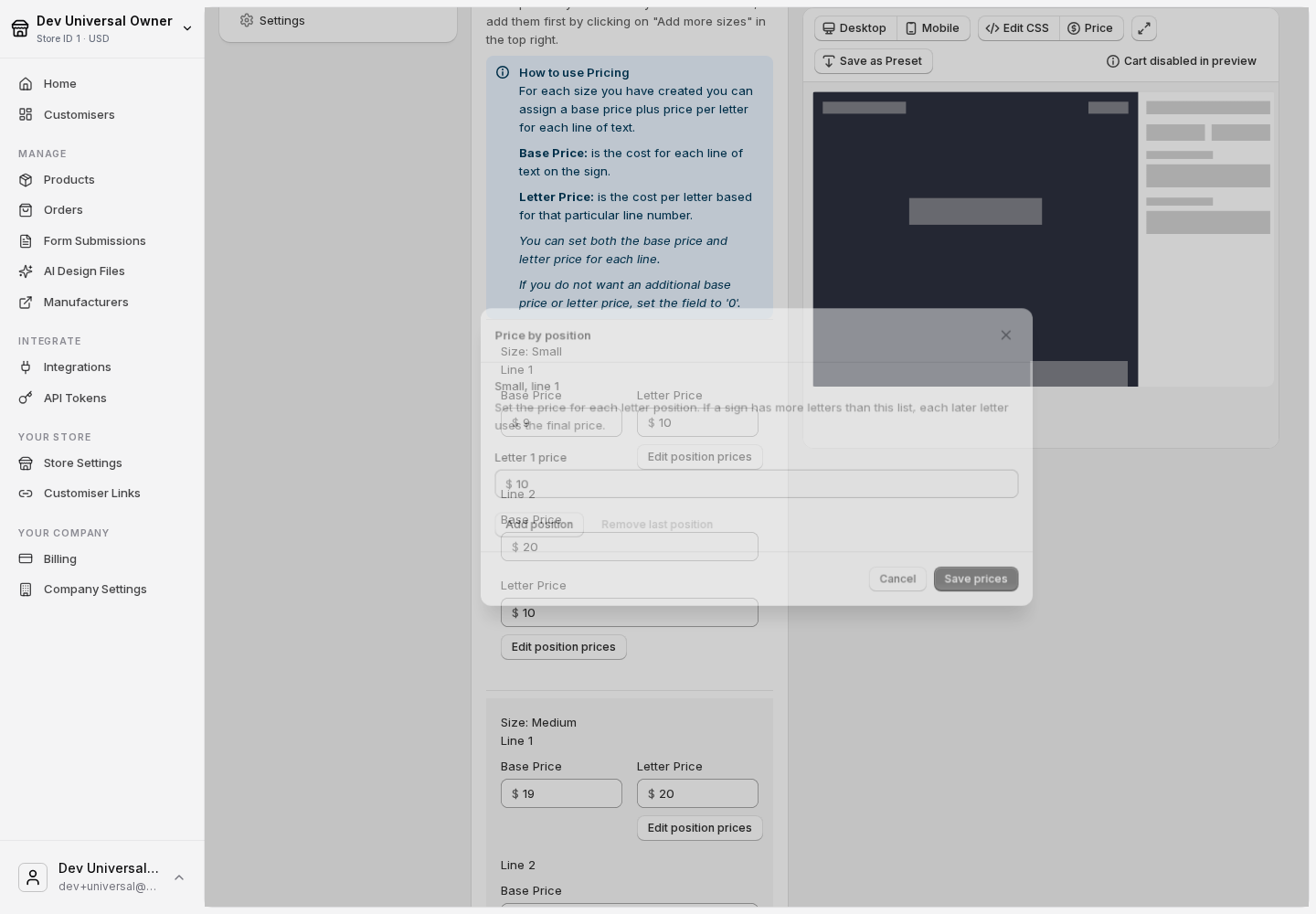
Click Edit position prices.
-
Enter the amount for each letter position. A price of 0 makes that position free.
-
Click Add position when you need another entry. A new entry starts with the final price currently in the list.
-
Click Save prices, then save the price list.
Simple Letter example
Suppose Line 1 is priced at £9 for Letter 1, £10 for Letter 2 and £8 for Letter 3. A one-letter first line uses the £9 price. A two-letter first line uses £9 + £10.
If the customer adds a second line, its first letter uses Letter 1 from the Line 2 list. It does not continue at the next position from Line 1.
Set prices for an Advanced Letter customiser
Advanced Letter uses one sequence across the whole sign. A line break does not restart the count, and spaces are free.
-
Find the size boundary you want to price.
-
Click Edit position prices.
-
Enter the amount for each letter position. You can enter 0 for any free positions.
-
Click Save prices, then save the price list.
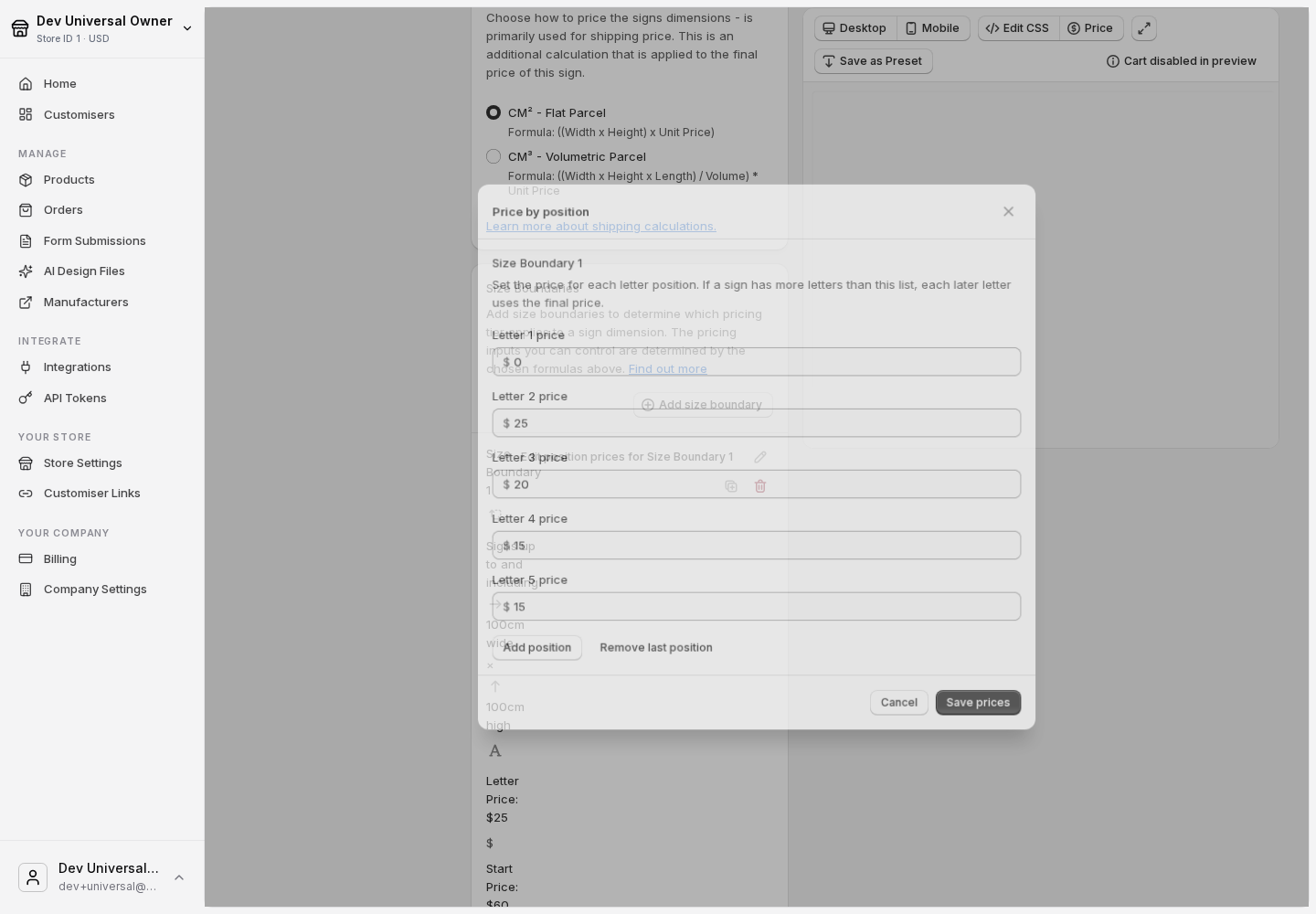
Advanced Letter example
For a sign with AB on the first line and CD on the second line, A uses Letter 1, B uses Letter 2, C uses Letter 3 and D uses Letter 4. The line break does not reset the sequence.
For AB CD, the space is free. C still uses Letter 3 and D uses Letter 4.
The selected size boundary sign start price is added to the position charges before any discount is applied.
Limits and saved prices
Up to 100 positions
You can set prices for up to 100 letter positions. If a customer enters more letters than your list contains, every later letter reuses the final configured price. For example, if your list ends at Letter 5, Letters 6 onwards use the Letter 5 price.
You can switch between Every letter costs the same and Price by position without losing either set of saved prices. Switching back restores the values you entered for that mode.
Currency conversion and bulk price adjustments update both sets of saved prices, including the position lists.
What customers see
The price explanation in the customer customiser shows Letters priced by position · N letters, where N is the number of priced letters in their sign.