

What can Sign Customiser do for my sign business?
Last updated:
Sign Customiser is sales and production-handoff software for sign businesses. It lets customers design a sign on your website or on a Customiser Link that Sign Customiser hosts, see the result and, where the customiser shows the price, the price change as they choose options, then buy it through your store (on Shopify, WooCommerce or Wix, or where your own site code adds it to the cart), buy it on Etsy (Universal Stores that connect Etsy), or send you a quote request.
You control the sign types, options, pricing rules and sales workflow. Sign Customiser does not sell under its own brand or take over your customer relationship.
How does Sign Customiser create value for a sign business?
Sign Customiser automates the repetitive first part of a custom sign sale. Customers can explore suitable options, see a visual preview and get a price or submit a quote without waiting for a manual mockup.
Your team receives a structured design with the selected options instead of a vague enquiry. Complex projects can still go through human review before you commit to production.
What can customers customise?
You choose which controls to offer. Depending on the sign type and your setup, these can include:
-
Text, fonts, icons and uploaded artwork.
-
Sizes, exact dimensions and letter heights.
-
Colours, materials, finishes, backboards, mountings and optional extras.
-
Multi-colour and multi-font designs, plus drag, scale and rotate controls.
-
An optional AI sign designer that turns an image that a customer uploads, such as a logo, into an SVG outline. It works on eligible sign types and pricing models.
Each successful AI sign designer conversion uses one AI credit. A failed conversion uses no credits. To see your AI credit balances or buy more credits, open the Billing page in the Universal admin (if you have more than one Store, choose the subscription button on that Store first. Its label depends on the Store’s state: Manage subscription when it is active, Resume subscription when it is ending soon, Update payment when a payment is overdue, and Choose a plan when it has no subscription) and select Purchase AI credits (Subscription/Credit in the Shopify admin). The AI credits card, with its balances and the button, shows only when your Store has an active subscription. See AI Sign Designer Guide.
Common uses include LED neon, channel letters, lightboxes, acrylic and wood signs, aluminium plate and metal cut-out signs, stencils, braille signs, address sign numbers and other configurable sign products.
Can customers buy online or request a quote?
Both workflows are supported.
-
Without Quote Mode: the customer sees live pricing, adds the finished design to your website’s existing cart and pays through your store (Shopify, WooCommerce or Wix). With Etsy, the customer pays on Etsy.
-
Quote Mode: the customer submits the design to you instead of checking out. The saved submission can include their form answers, selected options, preview images, the suggested price and an SVG file when configured. The quote email includes the suggested price only when Show suggested price is on. You review it, confirm the final quote and invoice through your normal process.
See Quote Mode for the setup details.
Which websites and ecommerce platforms work with Sign Customiser?
Sign Customiser has direct workflows for Shopify, WooCommerce on WordPress, Wix and Etsy. The Custom API is for advanced connections to other platforms. You can also embed the customiser on Squarespace (iframe code in a Code block, on a Core, Plus or Advanced plan), on Webflow (iframe code in a Code Embed element) and on any site where you can add an iframe.
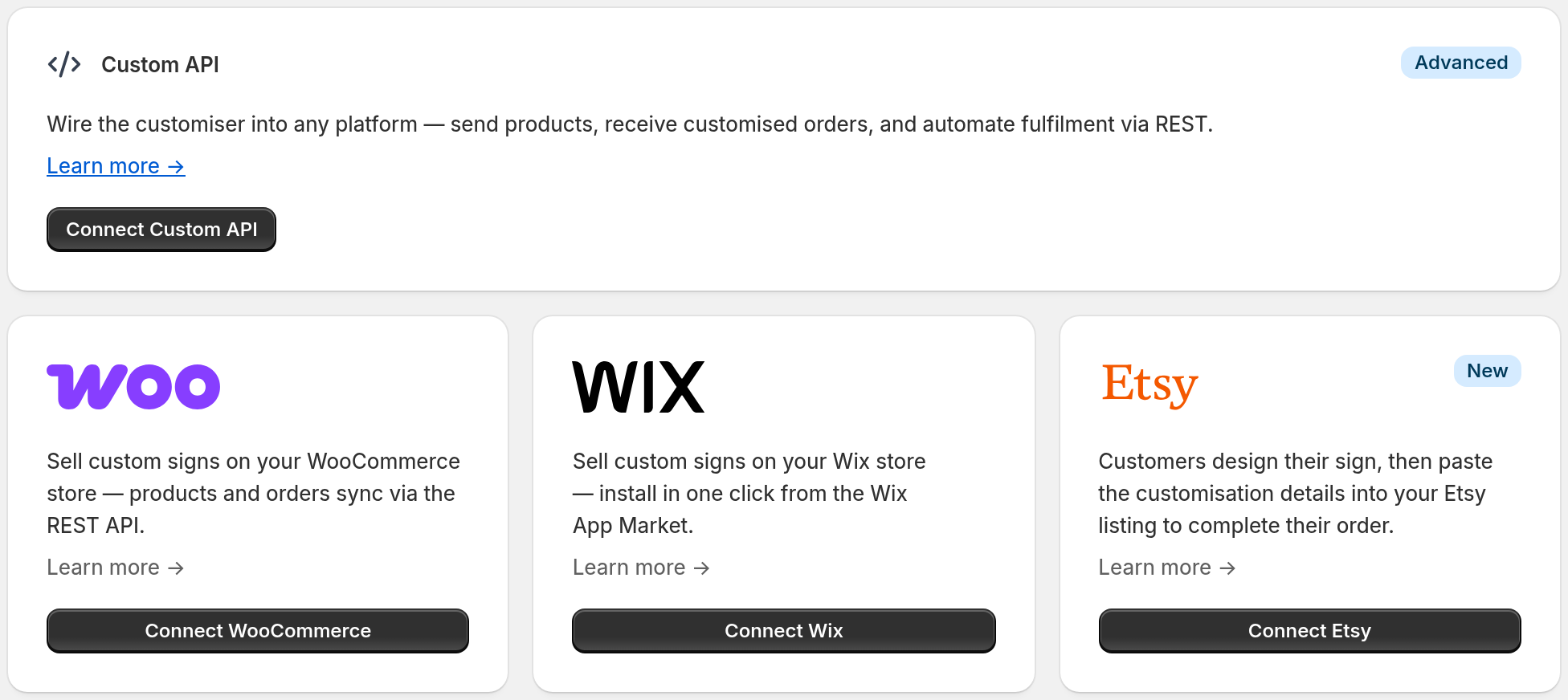
Etsy is available on Universal. Connect Etsy one time on the Integrations page. A Store can have only one active integration, and the Etsy card does not appear while another integration is active. Disable Custom API or delete the WooCommerce integration before you connect Etsy. Each customiser then pairs with an Etsy listing through a Customiser Link. The customer pastes the design summary into the personalisation box on Etsy. The customer then pays on Etsy. See Etsy integration. For the Custom API, see Custom API Integration.
A WordPress site with WooCommerce can send finished designs into its cart and orders. A WordPress site without WooCommerce can still embed the customiser and use Quote Mode. See Connecting WooCommerce with Sign Customiser or Embed the customiser on any website.
Can I use Sign Customiser if I outsource manufacturing?
Yes. Outsourced production is a normal Sign Customiser workflow. For each customiser, you can set a supplier email address and control the email template. When an order is created, Sign Customiser can send that supplier the sign preview, size, materials, colours, mountings, extras and available production-file links. The content depends on the sign type and your email template.
The supplier receives an ordinary email and does not need a Sign Customiser account. You still choose the manufacturer, agree costs, approve the job and manage shipping or installation. Different product lines can use separate customisers, recipients and email templates.
See Supplier / Manufacturer Emails.
What information is available after an order?
The order keeps the customer’s selected sign details and preview. Depending on the product and your settings, the production handoff can also include SVG, EPS, Illustrator-compatible PDF or DXF files. Your team or supplier can work from the same design the customer approved.
What does Sign Customiser not do?
Sign Customiser does not manufacture, install or ship the sign. It does not decide your margins. The create flow adds starter prices unless you clear Include demo data, so replace them with your own prices before you sell. You configure prices from your own costs and process.
It works best on product lines with repeatable choices and pricing logic. For a completely bespoke project, use Quote Mode or a custom design form so your team can review the brief before confirming a price.
What should I share to get a tailored recommendation?
Tell us your website platform, the first one or two sign types you want to offer, whether customers should pay online or request a quote, and whether you manufacture in-house or use an outside supplier. With those four details, we can map the right setup and explain what will be automated.