
Create an Address Sign Numbers customiser
Create a customiser for vertical stacked address numbers and see what shoppers see.
Last updated:
Use the Address Sign Numbers customiser to sell vertical stacked address numbers. Each character is on its own line, from top to bottom. This sign type is an acrylic customiser. This article shows how to create it and what shoppers see.
Create the customiser
-
Open the Sign Customiser admin.
-
Go to Customisers and click Create customiser. If your Store already has a customiser, you can also click Create new customiser on the Home page.
-
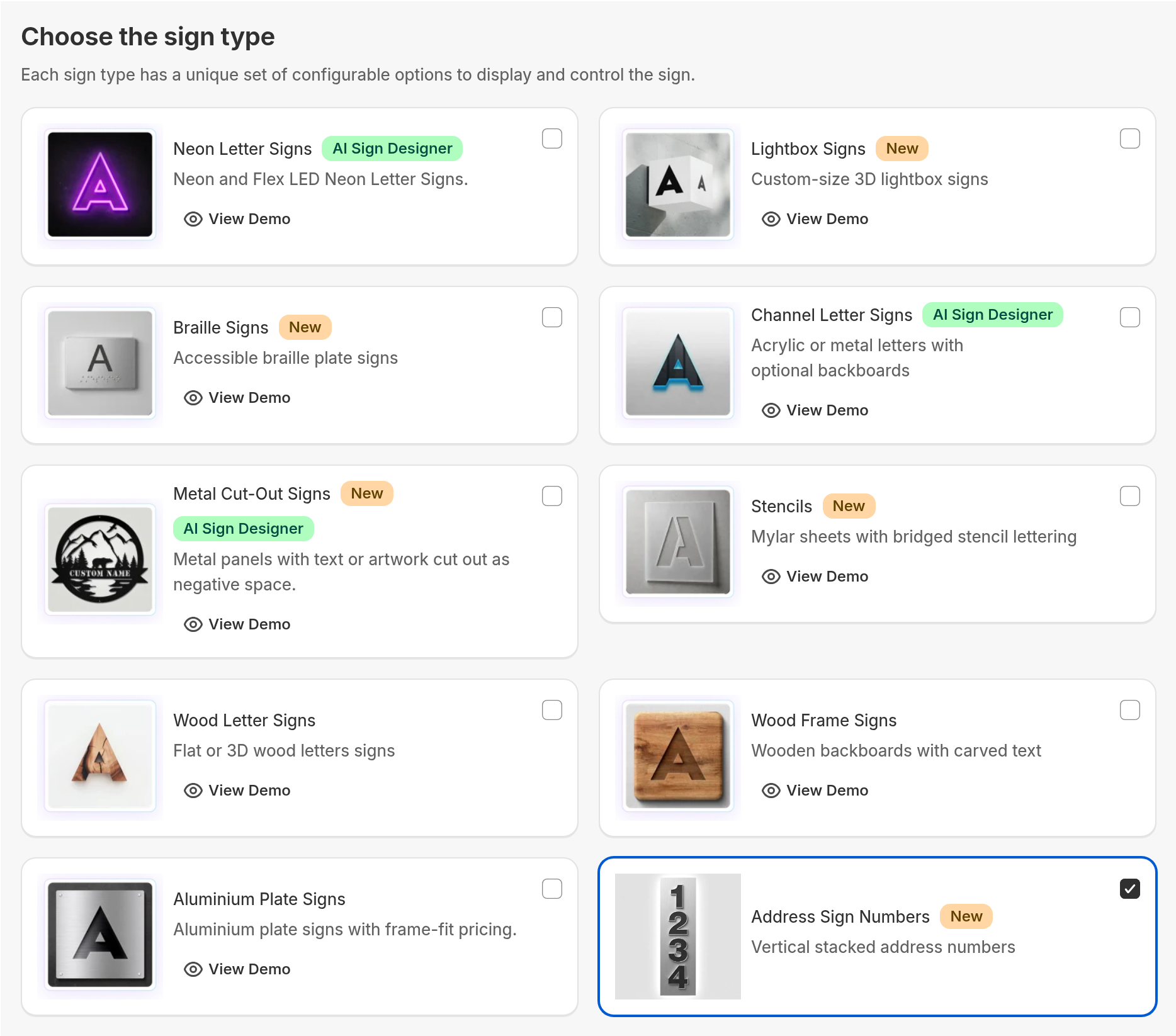
On the Choose the sign type step, scroll down. Select Address Sign Numbers. The card has a New badge.
-
Click Next.
This sign type has no Pricing step. It always uses Simple Letter pricing with a fixed height for each size. Sign Customiser sets this for you.
-
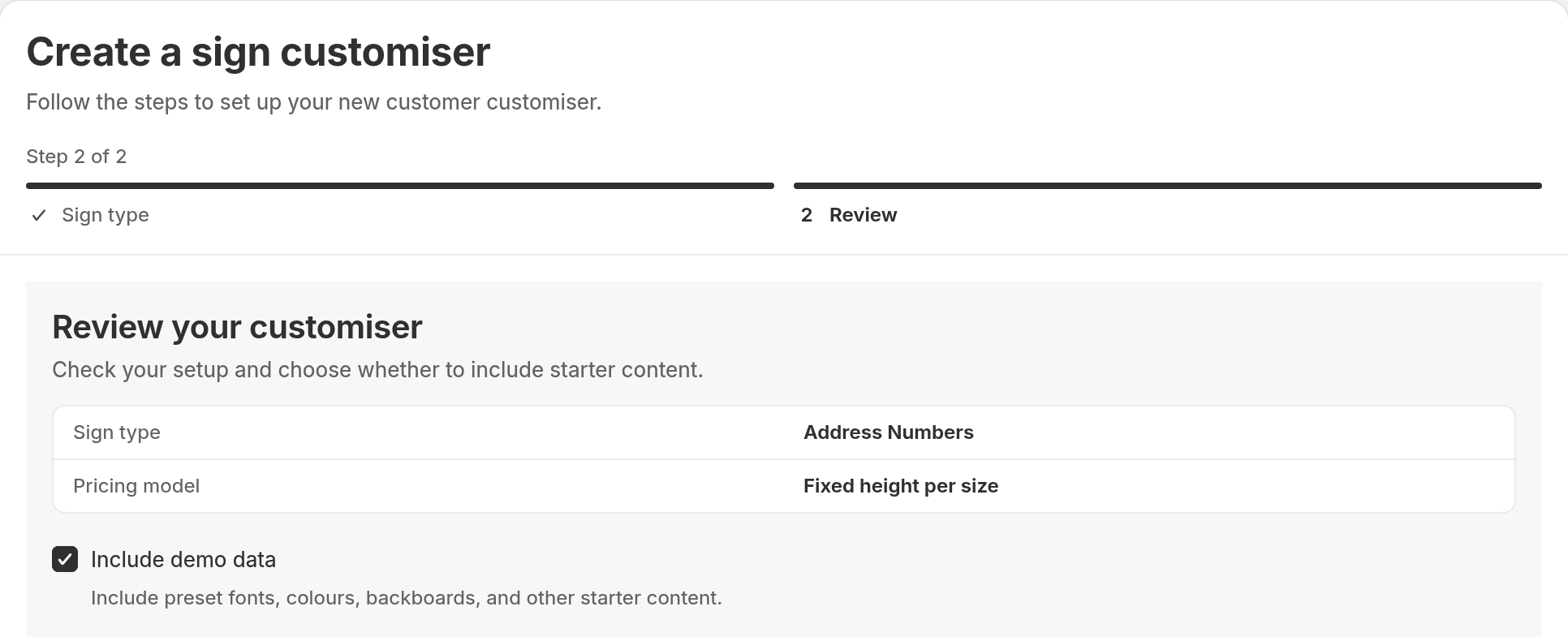
Look at the Review your customiser step. Sign type shows Address Numbers. Pricing model shows Fixed height per size.
-
Decide about starter content.
-
Keep Include demo data on to get preset fonts, colours, backboards and other starter content.
-
Turn Include demo data off to start with a blank customiser.
-
-
Click Create.
Sign Customiser opens the new customiser. The name is “Address Sign Numbers Customiser”. To change the name, go to Settings → Admin.
What the shopper sees
The customiser opens with Vertical selected. The shopper types a number, for example 1234. Each digit shows on its own line, from top to bottom: 1, 2, 3, 4.
The Horizontal and Vertical toggle is next to the text input. The shopper clicks Horizontal to see the number in the standard horizontal layout. The shopper clicks Vertical to stack the number again.
Change the orientation settings
A new Address Sign Numbers customiser shows both orientations. Vertical is the default. To change this, read Vertical text orientation. That article also shows how to lock one orientation.
Limits
-
The create flow has no pricing step for this sign type. You cannot select Advanced Letter or Frame Fit.
-
The create flow always sets the sizing to a fixed height for each size.
-
The create flow shows no demo link for this sign type.
-
The Set up AI Sign Designer option does not show for this sign type.