
Sell custom signs in Shopify Markets
Publish each custom sign to the Shopify Market the shopper is in, so shoppers in every region can buy it.
Last updated:
Use Shopify Markets to sell in more than one country. Sign Customiser publishes each custom sign to the Market where the shopper is. The shopper can then buy the sign in that region. This article is for merchants with a Shopify Store that uses Shopify Markets.
How it works
A shopper designs a sign. Sign Customiser then creates a product for that design in your Shopify Store. Shopify sells a product in a Market only when a catalogue of that Market includes the product. Without this feature, a shopper can design a sign and then see an error when they add it to the cart.
Sign Customiser does these steps when it creates the product:
-
It publishes the product to your Online Store, or to the Publication you chose in the Sign Customiser Shopify integration.
-
It reads the Market that your storefront sent.
-
It publishes the product to the active catalogues of that Market. It does not publish to your other Markets.
Three conditions must be true:
-
The storefront sends the Market of the shopper. The Sign Customiser theme blocks do this for you.
-
You approve the optional Shopify Markets access. Sign Customiser uses this access to read the catalogues of the Market.
-
The Market has an active catalogue. See Before you start.
If your Store does not use Markets, you do not need to change anything.
Before you start
-
Your Store must use Shopify. Stores on WooCommerce, Wix, Etsy or Universal only do not use this feature.
-
The Market must have at least one active catalogue. Sign Customiser publishes to active catalogues only. In Shopify, a catalogue is Active, Draft or Archived. See Shopify Help: Creating catalogs for markets.
Step 1: Check that your storefront sends the Market
These three theme blocks send the active Market for you:
-
Sign Customiser
-
Sign Customiser - Embed
-
Sign Customiser Modal
If you use one of these blocks, go to Step 2.
If you use your own embed code, keep these two attributes on the <sign-customiser-embed> element:
shopify-market-id="{{ localization.market.id }}"shopify-market-handle="{{ localization.market.handle }}"On a headless storefront, send shopify_market_id and shopify_market_handle for the Shopify Market your storefront serves. See Install Sign Customiser on a headless Shopify storefront.
If Sign Customiser does not receive a valid Market, it does not select a Market. It publishes the product to your Online Store, or to the Publication you chose, and does not publish to any Market.
Step 2: Approve Shopify Markets access
Sign Customiser asks for the Shopify read_markets access as an optional permission. Your Store works without it. Sign Customiser does not publish to Markets until you approve it.
-
In your Shopify admin, open the Sign Customiser app.
-
On the Home page, find the banner Approve Shopify Markets access.
-
Select Approve Shopify Markets access.
-
Approve the permission when Shopify asks.
The banner disappears when the access is active. If the update fails, the banner shows Could not update Shopify Markets access. Try again. Select the button again.
The banner shows in the Shopify admin only. It does not show in the Universal admin at web.signcustomiser.com. It does not show until your Store has at least one customiser.
Note: The banner shows when your Markets use percentage price adjustments and the access is missing. The banner text is about prices. It says that the customiser cannot show these prices until you approve. Sign Customiser publishes signs to a Market only after you approve this access. If your Markets have no percentage price adjustment, the banner does not show. If you need Market publishing and you see no banner, contact support.
Other Markets banners can show on the Home page. For example, Fix your Shopify Markets price adjustments means that one Market has active catalogues with different percentage adjustments. See Fix conflicting Shopify Markets price adjustments.
What the shopper sees
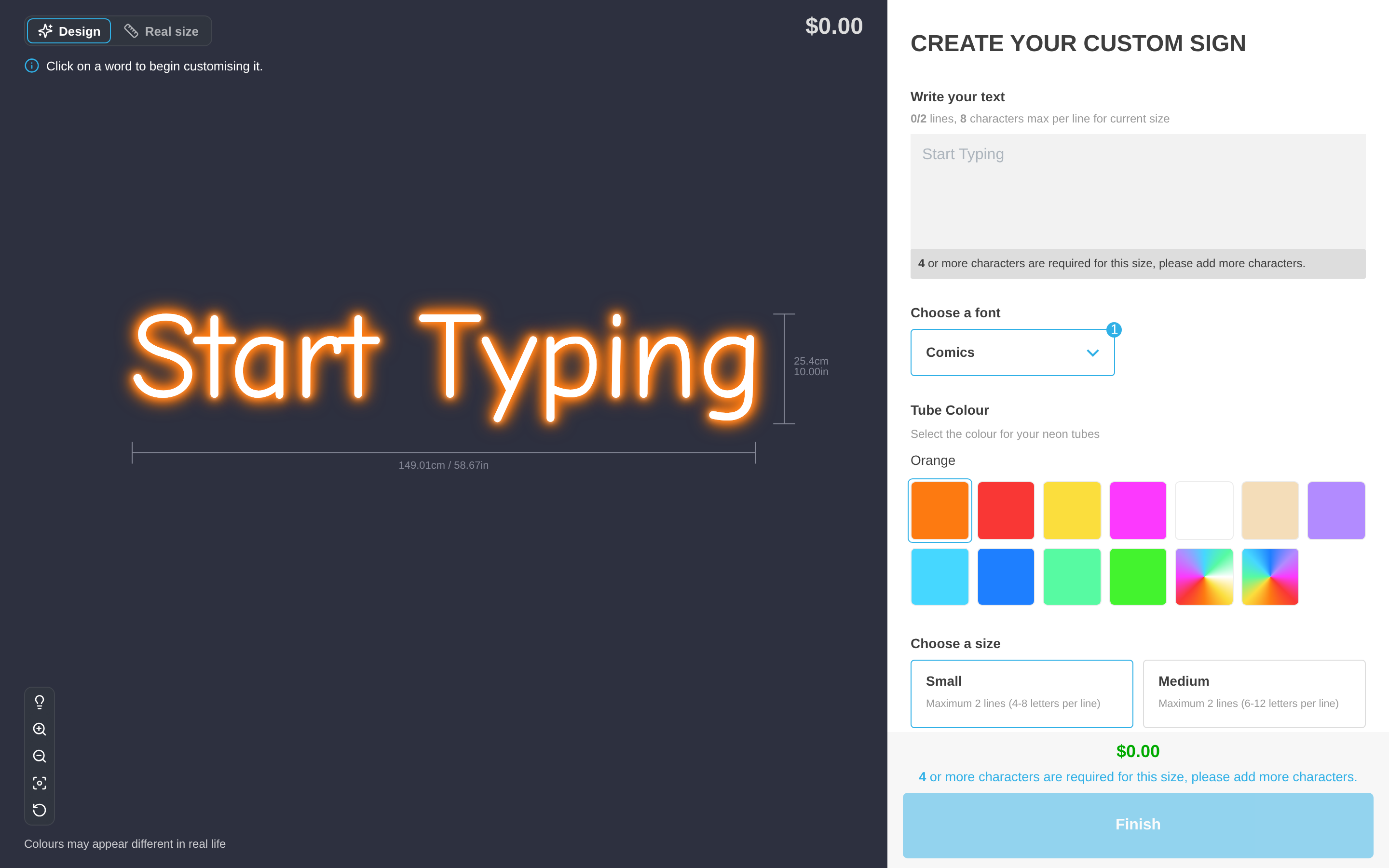
The shopper designs a sign in the customer customiser and adds it to the cart. Sign Customiser publishes the product to their Market while it creates the product. A new product can take up to two minutes to be ready to buy.
When the catalogue of the Market includes the product, the shopper continues to checkout. You do not need to do anything for each order.
Limits
-
Sign Customiser publishes to the active Market of the shopper only. It does not publish to all Markets.
-
It publishes to catalogues with the status Active only.
-
It keeps the result of a catalogue check for five minutes. If you change a catalogue, wait five minutes.
-
If a Market step (step 2 or 3) fails, Sign Customiser keeps the product in your Online Store (or the Publication you chose). It does not publish to the Market. The customiser still loads, and the shopper can still design a sign.
-
This feature publishes products. It does not set prices. Prices follow your Shopify Markets settings.
Troubleshooting
A shopper cannot buy a sign in one country.
-
Check that your Store uses one of the three theme blocks. On a headless storefront, check that your embed sends the Market. See Step 1.
-
Check that you approved Shopify Markets access. See Step 2.
-
In your Shopify admin, go to Markets > Catalogs. Check that the Market has an active catalogue.
-
Wait five minutes. Then make a new design and try again.
If the problem continues, see Why is add to cart not working? or contact support.
Is Markets access the same as the permission in Missing Permissions?
No. The permission in Missing Permissions is required. Markets access is optional.